
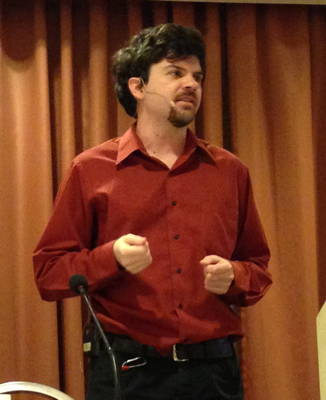
One of the things I do in my job (and my life) is social media. I’ve been communicating online since 1982, and have tried just about every major online communications tool to come along during that time, starting with CompuServe chat and BBSes in the early 80s. I began using Twitter in 2007; it has grown to be an important tool for my work as well. Yes, I do social media marketing (though I wince at the term).
As of today, I have about 1,947 followers on my personal Twitter account, @deirdres, and 583 on @JoyentSmartOS (I post technical news to both). These aren’t large numbers – plenty of famous people, non-famous people, companies, brands, organizations, and other entities, have many thousands or millions more. But I use Twitter well and get results: web traffic, attention, and sales for my employer, Joyent. Here’s a recent example that may be useful to fellow social media marketers.
The Event
My colleague Brendan Gregg is a well-known speaker on computer systems performance topics, but he’s best known – so far – in the world of Solaris, SmartOS, and company. We have worked together for years: he creates great technical content; I edit, film, and market it. On February 24th, 2013, he gave a talk at SCaLE on Linux Performance Analysis and Tools, which I went along to film. As his first talk about Linux, it presented both an opportunity and a difficulty.
Having other obligations in LA after the event, we only got back to the office on Wednesday, Feb 27th, but I had the video edited and uploaded to YouTube the morning of Friday, March 1st. By then I had also written a post and provided photos for the Joyent blog. Even by my standards, this was fast work. Why was I in such a hurry?
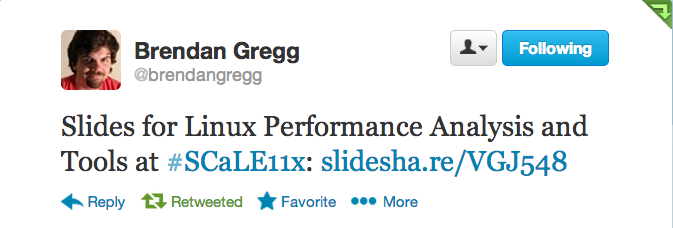
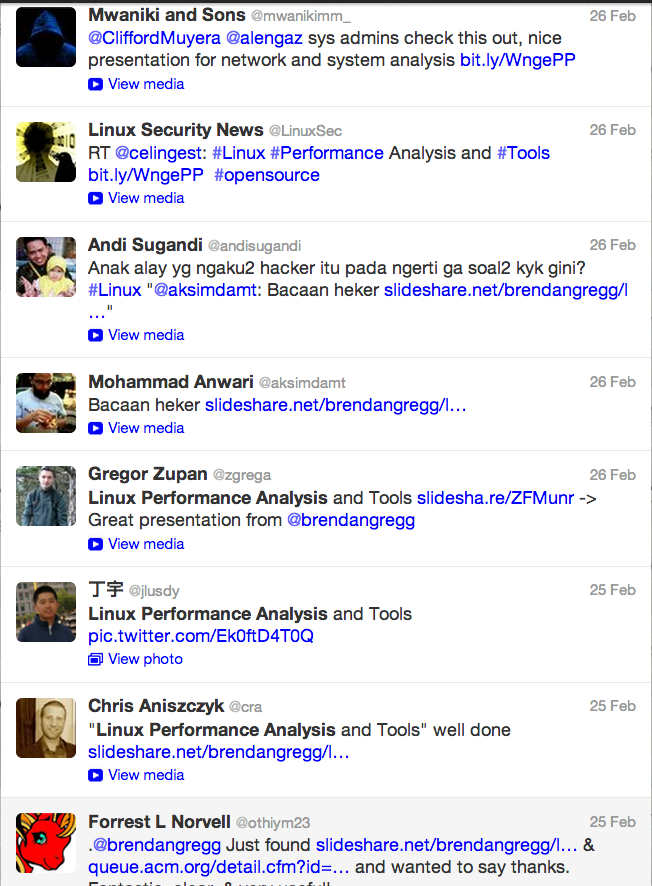
First, the talk had been popular: the 250-seat room was packed, with a very engaged audience who wanted to be able to re-read the presentation slide deck (dense with technical information) immediately. As is his wont, Brendan had put it up on Slideshare within an hour of finishing his talk, and announced it on Twitter:
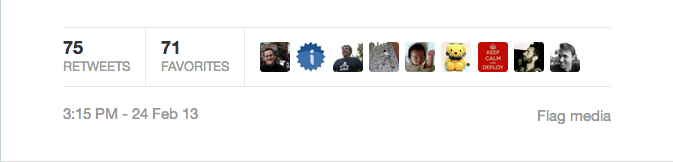
The slide deck got lots of attention, not just the retweets shown above (some from SCaLE attendees), but hundreds more tweets and thousands of views, most of them from people who had likely never heard of Brendan or Joyent.
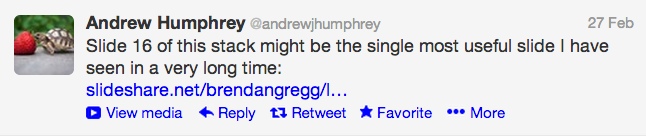
The hail of tweets showed the reach of the (very large) Linux community. We were already aware of this but, as a SmartOS/Solaris shop, Joyent doesn’t often get a chance to tap into it.
I wanted to bring some of that attention to Joyent while the talk was still fresh in the minds of attendees and others – some of whom were already asking for video. I could have just posted it on my YouTube channel and told everybody it was there, but the company would benefit more from traffic to the Joyent site – hence the blog post.
We published that post as soon as the video was uploaded, on Friday morning, March 1st. We knew that that was not an ideal time: Friday morning in California is already the weekend in most of the rest of the world. Even so, the lack of response was frustrating. I started looking for more ways to draw attention to the post.
The Social Media Push
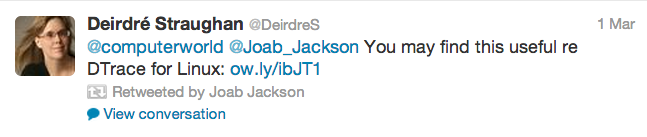
That same day, an article was published about Oracle’s Port of DTrace on Linux. Its author – and many others – tweeted about it. Since Brendan’s talk had included DTrace as a performance analysis tool for Linux, I tried to ride that wave using the same hashtags:

In the meantime, I scrolled back to many of the people who had originally tweeted about Brendan’s slide deck, and tweeted to them directly, one by one: “re Linux Performance Analysis and Tools – Video available now, too! http://ow.ly/idrWY ”
I approached this with caution: in every online marketing activity I undertake, I try hard to give information only where and to whom it is likely to be welcome. In this case, no one complained, and some even thanked me for the news: “moustafa_dba 12:25pm via Twitter for iPad @DeirdreS great ,thank you so much”
But, by Saturday morning, I still wasn’t satisfied with the traffic to the blog post and the video. I had shot my bolt on Twitter. My other usual forums are mostly populated with SmartOS/illumos/Solaris folks – not the primary audience for this talk. Where could I reach other technical people?
We’d had good results on HackerNews before, so I posted it there, and tweeted about it:
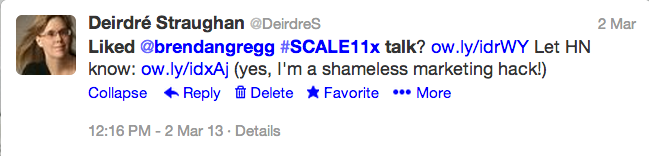
Blatantly asking people to vote it up worked: the post remained in the top 11 or higher on HN’s front page for at least seven hours, and garnered some nice comments. Someone else – who perhaps saw it on HN – posted it to reddit.
These two sites drove a spike of traffic to the post on Joyent.com over the weekend: 5,768 views from HN and 4,098 from reddit.
Altogether, from March 1st to today we’ve had:
- blog post page: 32,000 page views (with an average time on page of 32 minutes, thanks to the video)
- video: 6,332 views
- slide deck: 67,000 views; 1,707 downloads
Of greater importance in the long term: by the time the post had only been up for 18 hours, it was high in Google search results for “Linux Performance”. It is now the number one result. Which is ironic and amusing, considering that Joyent’s cloud is famously built upon a different operating system, SmartOS (though we also support Linux). It also subtly demonstrates that, when Joyent claims to provide high-performance cloud infrastructure, we know what we’re talking about. Or at least Brendan Gregg does. 😉
Coda: As of March, 2014, Brendan works at Netflix, mostly on Linux performance.
You might also like:





Linux Performance Analysis and Tools: Brendan Gregg’s Talk at SCaLE 11x
Our friends at SCaLE invited Brendan Gregg to speak (again) this year, and he was happy to return. He developed and delivered a fantastic talk; I filmed, edited, published, wrote a blog post for Joyent, and ran a quick-n-dirty social media campaign (Twitter and HackerNews) to drive traffic to it – that, too, is part of my job.
You might also like:


Social Media Production: LISA ’09
I’m sitting in a hotel room in Baltimore, listening to a meeting while monitoring the live stream of a presentation at LISA ’09. I’ve been using the video blog, Twitter and irc (#opensolaris) to let people know this is available. Which has resulted in 26 people on the live stream, at the moment.
The technicalities and camera work of the stream are being done by the merry (and very competent) crew at USENIX – Sun sponsored the live video stream and recording, so I’ll be able to use their files afterwards to produce final, edited videos.
The final video is on YouTube.
You might also like:

Video Streaming in a Perfect World
I’ve done enough social media coverage of conferences now to have some ideas on my ideal set-up for this, although I have not yet achieved that ideal in practice. Here’s how I’d like to do it:
1. Have presentations available online in advance, so that:
- participants in the video stream can download them and follow along while I focus the camera on the speaker (I’d use the UStream chat window to let them know when the slide changes)
- I can copy slide titles into a spreadsheet beforehand, ready to enter the timing of slide changes (knowing this timing helps me later edit the slides into the video as graphic overlays)
2. Have a small laptop pre-tested with UStream and ready to go. I don’t really care about the OS (Solaris, OpenSolaris, Windows, Mac) as long as it has Flash installed in Firefox and knows what to do with a video camera attached to the Firewire port.
NB: Even on a pre-tested laptop, UStream can be a problem. When we tried to stream last night’s FROSUG meeting, UStream crashed my browser repeatedly (both Firefox and Safari), crashed Firefox on another Mac, and only worked on a Lenovo – which, unfortunately had messed-up sound so couldn’t actually be used. What’s up with that, UStream?
You might also like:


Social Media Production: What I’m Doing in Brisbane
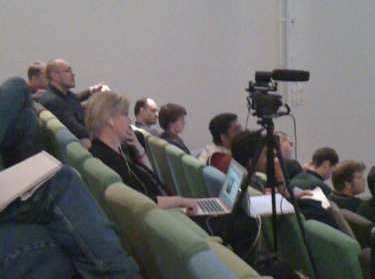
^ photo by thegreeno. This is me with two laptops in one lap, monitoring video, sound, and chat simultaneously. Not as calm as I look.
Executive Overview: What You Need to Stream Video with UStream
- videocamera with FireWire output
- laptop with FireWire input
- FireWire cable with the appropriate plugs on each end (mini/4 pin for the videocamera, Windows laptops also seem to use this type, but there are several possibilities on Macs)
- audio source with appropriate cable into laptop’s mic port – one option is to use the camera’s headset jack (if it has one)
- hard-wired Internet access close to the laptop (wifi is probably not sufficient to support the video stream)
- possibly a second laptop to monitor the stream and chats
- earphones to monitor sound quality on the stream
- tripod
- videotapes
- electrical power source close to all this, with plugs for the camera and the 1 or 2 laptops – bringing your own multiple power strip is a good idea
- local electrical adapter(s)
The Story
We thought this conference would be taped using fancy dual video systems here at the Queensland Brain Institute. Which would have made my presence here somewhat redundant.
But QBI’s auditorium just got a big upgrade this week, and the new systems aren’t fully operational yet. We couldn’t get the telepresence camera aimed at the speakers, and in any case it’s not possible to stream to the open Internet from it (maybe it’s set up for within-campus streaming as well as capture).
So it was a good thing I and my gear came along.
The setup seemed straightforward when we visited the venue Monday afternoon. There’s a hole in the floor containing power and Ethernet in the third row of the audiotorium. I could set up the camera there, borrow a laptop with FireWire (when I packed for this trip, I knew I would regret not bringing the 17″ MacBook Pro I use for video editing, but I also knew I would regret having to carry it), we’d get an audio feed of the fancy new high-tech podium, all fine and dandy.
All wrong.
Wednesday morning we realized:
No way to get audio out from the podium mic to my system. The keynote would be two speakers (both of whom are pacers), and I only have one wireless lapel mic. Okay, I’ll use the shotgun mic and pick up room sound. Not ideal for camera sound, but better than nothing.
For the video stream, James brought his Dell laptop with FireWire, and I have two FireWire cables with me, including the right one for this laptop. But, when James came back from some last-minute errand at 8:45 am and unlocked his laptop for us, we realized that he runs Solaris and hadn’t yet installed Flash. Once we did install it, the laptop still couldn’t see the camera, and we didn’t have time to figure out why.
The quickest solution was to borrow a laptop from QBI. But I didn’t have the right FireWire cable for this older MacBook (why are there so damn many types?), nor a way to get audio into it. And the conference needed to start.
So we turned the MacBook around to face the audience and used its built-in webcam and mic to stream the first session. It wasn’t great, but it worked (audio was better if you were wearing headphones on the other end of the stream). Poor video quality made the slides illegible: I followed the UStream chat from my own laptop, and typed in the slide content. We had over 40 people on the video stream during the keynote (on ZFS), and they were grateful for whatever we could do to help them participate. I also relayed questions from the UStream chat to the speakers.
This is an auditorium with rows of seats, no table, desks, or arm-desks: we had the laptop precariously balanced on the back of a seat. Of course it fell, interrupting the stream, but fortunately suffered no damage. Can’t say the same for my foot when it fell a second time…
By the time we were ready to start the second presentation, the correct FireWire cable had been located, so we were able to use the camera to stream higher-quality video. Problem: for filming, I usually focus the camera on the speaker, knowing that I will edit in the slides later as graphic overlays. But the online audience needed to see the slides during the talk, and they weren’t yet available for download. So this video will be a lot more boring footage of slides than I usually shoot. I had too many things to manage to keep the camera moving between slides and speaker as much as I would have liked.
We also needed a way to get audio into the MacBook for the UStream feed which, annoyingly, doesn’t just take the audio off the FireWire from the camera. I used my wireless lapel mic on the remaining speakers, attaching the wireless receiver directly to the MacBook’s mic input. I can’t remember how sound got into the MacBook when the three-person panel was speaking. We must have somehow left the lapel mic lying in the right place to pick up good sound.
On the second morning James Lever, a local volunteer, brought in a sound board, but we didn’t have the right cables and adapters to put it all together with my wireless mics – it would take a good-sized trunk to carry around parts and cables for every possible contingency. We continued to use my wireless lapel mic on the speakers, but this time fed it into the camera via the Beachtek mixer, then used an audio cable with 3.5 mm connectors on each end to take audio from the camera’s headphone jack to the laptop. This means the camera is getting better sound, though it seems to cause a slight hum in the UStream audio.
Lessons:
Make slides available for download in advance. This is also a service to people in the room, because many of the slides were difficult even in the room, because they were too dense or used low-contrast text and background colors, and room lighting is not ideal.
Wireless mics have a thousand uses. Don’t leave home without them.