(This video may have been lost in Oracle’s acquisition of Sun.)
Presentation by Art Beckman and Makia Minich at Sun’s HPC Consortium, Dresden, Germany, June 2008.
filmed & edited by Deirdré Straughan

(This video may have been lost in Oracle’s acquisition of Sun.)
Presentation by Art Beckman and Makia Minich at Sun’s HPC Consortium, Dresden, Germany, June 2008.
filmed & edited by Deirdré Straughan
Last September I wrote Videoblogging for Sun: By the Numbers. It’s time for an update. So here’s the situation as of today:
Note: This was listed in the catalog as “Social Media: If You Liked it, Then You Should Have Put a Digg on It…”, which I wouldn’t have bothered to attend, but when I walked by the room the title had changed to “Social Media: Connecting with Customers”, which was a lot more obviously interesting to me. This was also one of the few panels that didn’t seem to treat large corporations (and those of us who work for them) as the enemy.
Panel:
First, each panelist gave an overview on what their company is doing in social media (comments on the companies themselves are partly my own, for the benefit of non-US readers who may not be familiar with these companies):
Well-known in the US as a tax preparation service, H&R Block’s problem is that their business is extremely seasonal, running from January (they kick off their advertising season with the SuperBowl) through Tax Day on April 15th. They are trying to use social media to stay in the public consciousness year-round. The overall theme is customer connections to build lifelong relationships.
Tactics include:
Penney is a very old retail company, and is trying to overcome a rather musty reputation with younger shoppers: “Trying not to be ‘your mother’s store’.” They have chosen to actively participate in women’s online communities.
Their first big project is the extremely funny “doghouse” video (which I had seen long before this conference, though I had probably forgotten that it was done by JC Penney):
At the time it had had 4.1 million views with a 60% completion rate, resulting in 600 (new) Twitter followers and 1100 tweets/retweets. It was initially seeded from a Penney microsite using Facebook Connect. Traffic crashed the server and led to higher fees. Offloaded the traffic to YouTube.
They’ve also set up a Facebook group targeted to women, after finding that segmentation by Penney sub-brands did not work. And they’ve got a customer service Twitter account.
Someone asked what was the ROI on the doghouse video campaign. The answer was that brand awareness, not ROI, was the objective; a hard sell would not have been as successful.
In 2005, Carnival set up a group planning tool built on Community Server. The Cruise Talk forum there grew to 500 posts/day, and was followed by a “scrapblog” and a Twitter account with 1300 followers.
Then came a blog by John Heald, a cruise director, which has become immensely popular, as measured by 100 comments a day [visitor stats were not given].This has grown into a multimedia extravaganza including live chats, videos (quality was an issue), etc. Cruising is inherently social, so this has worked well.
[D here: This is an example of how effective social media marketing can be when tied to a real personality. You can also build community around that person: Heald fans want to talk to each other, there are now even Heald-themed fan cruises.]
Then the moderator asked questions:
H&R Block: You have to figure out where does this fit. Customer service, communications, marketing, field coordination…? The company isn’t yet on board, we’re still in a skunkworks phase. We’re trading off media dollars with human capital – we have only one person for Twitter, which is a 24/7 job. [But she said later that some resources are being shifted to social media.]
Also, the Federal Trade Commission is changing the legislation about blogging [as relates to professional tax preparers]. We’re still figuring out how to train people, what legal disclosures are needed. Ideally, we’d like tax preparers to be blogging. Education and support are difficult. People need to understand that it’s okay to have your own personality.
JC Penney: Similar situation, we have no dedicated social media team. [Some problem of] brick and mortar stores vs. jcpenney.com. Facebook took off for us when it became a two-way conversation, but that takes dedicated staff.
Carnival: We have an online community manager with two moderators and a social media strategist. Not seeing any particular efficiences from online yet.
Page views, links to transactions.
How does this tie back to brand? How do we make the brand relevant to the new generation?
Word of mouth as brand tracker, but it moves over multiple years.
ROI = Risk of Ignoring
creating spheres of influence, measuring awareness
Traditional ROI isn’t the be-all and end-all – Twitter is free! [except for staff time]
Use Radiant6 to monitor buzz.
Facebook charges $300k for a brand page – Carnival elected not to spend this. Buying a YouTube channel can cost $500k plus media costs.
But you can get started for free.
If you’re going to lead social media [teams], you have to be doing it yourself.
Content creation is expensive.
An interesting question, but, frustratingly, I didn’t note the answers. Maybe there weren’t any.
A good and useful session, one of the few at SxSWi to address the needs of large companies and their employees.
I was very frustrated that Sun was not speaking on this panel, as we have one hell of a story to tell in this space.
And, even absent Sun’s support infrastructure for blogs, wikis, and video, I could have told them that there are cheaper ways to do this stuff than what Facebook and YouTube are charging for branded offerings.
NB: I have long wanted to attend SxSwi – where the cool geeks go to party – and this year had my first opportunity to do so, thanks to Sun. This conference is great bang for the buck: registration cost only $450, for four days of good, solid talks. I’ve been meaning for some time to write about sessions I attended and what I learned from them, but time keeps getting away from me. Here’s the first in a series. I hope the next will follow in reasonably short order – but I don’t guarantee that!
I attended Derek Powazek’s talk (slides), which was inspired by James Surowiecki‘s book The Wisdom of Crowds.
Why I attended this session: I work with communities, both online and off. And Powazek is a well-known name in web design, which has been part of my career, so this confluence of topics was irresistible to me.
From my notes:
Surowiecki’s premise is that the aggregate wisdom of “the crowd” can be greater than the wisdom of a single individual (no matter how expert).
According to Surowiecki, the elements of wise crowds are:
Powazek gave suggestions on how to make the wisdom of the crowd work online:
(However, there’s the Heisenberg Problem: scoring creates a game, and therefore an incentive to cheat.)
Popularity does not have to rule. Amazon’s reviews/ratings are displayed with a histogram of results, and readers can rate each review (“was this helpful? yes/no”), giving feedback on the feedback.
Consider both implicit and explicit feedback.
Implicit:
Explicit = voting and rating, but never ask people to do more thinking than they have to, e.g. use a simple yes/no or thumbs up/thumbs down wherever possible.
Note, however, that you get better data when you don’t ask the question.
Kvetch.com -Â The mood of responses became happier when the color scheme changed from dark to light.
Red vs. blue – In testing, people shown blue backgrounds responded with more imagination, while red backgrounds led to better attention to detail. This may occur because red is a danger sign, so people are primed to be more cautious when they see red, whereas blue is calming, so they feel freer to be creative.
(Sun’s corporate theme color is blue, Oracle’s is red. Uh oh.)
For me, this was the payoff from this talk. Powazek described a study on how people’s feelings of not being in control lead them to see patterns (e.g., conspiracies) where none exist.
He has also written about this in Meaning-Making Machines:
This is relevant online because we have much less input than in real-life social situations. Virtual communications like email, blog comments, and instant messages come without the associated social data our brains are used to. In the absence of context, our brains fill in the rest. What we fill it in with is a byproduct of our own insecurities.
My own thoughts on this:
If you’ve spent much time interacting with people online in email, forums, blogs and comments, you know how easy it is misunderstand someone’s character or intentions when you only know them through text.
Misunderstandings can occur because of differences in language, culture and writing skills, as well as the above-mentioned human propensity to fill in our mental gaps with worst-case assumptions. We are especially negative in our assumptions when we don’t feel in control in our own lives – and, these days, who does? The result is flame wars and other online unpleasantness that simply doesn’t happen in real life.
In my first distance-working experience, I also learned that it’s hard for human beings to work with someone they’ve never seen. I suspect that we don’t quite believe someone is real until we’ve seen them face-to-face. In my six years working from Italy for a Silicon Valley company, I noticed that colleagues were poor at responding to me until they’d met me once (I traveled to California four times a year), then their attitude would change radically. It wasn’t that I did anything particular on my visits to inspire cooperation; it was simply that they now could put a face to the emails and the voice on the phone. I guess that’s human.
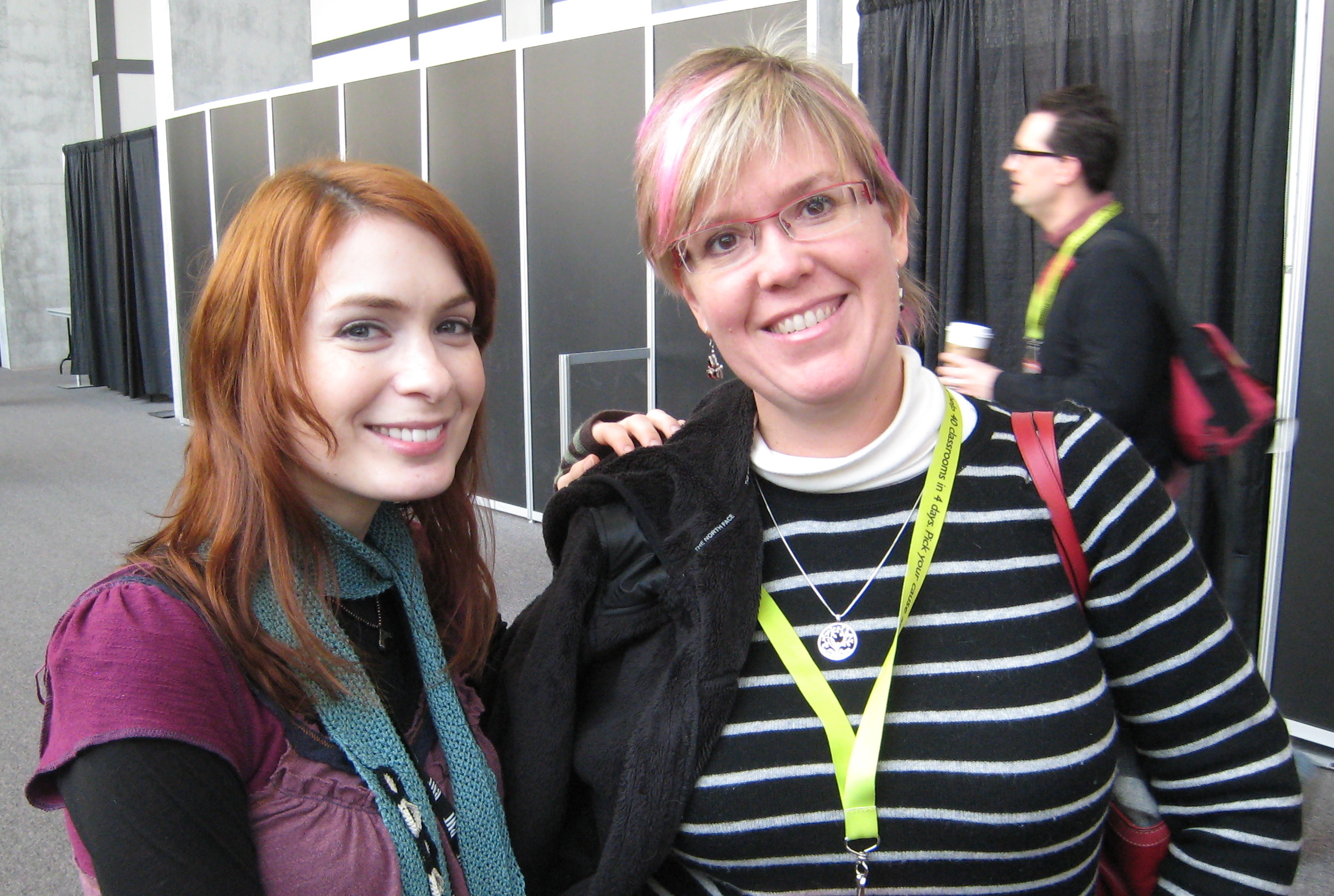
Conversely, we can have warm feelings for people we’ve only seen on screens. I have twice now embarrassed myself meeting actors in unexpected contexts, the first at CES, and, more recently, at SxSWi itself: I was wandering the halls when I saw a familiar face. This wasn’t unexpected at SxSWi; videoblogging buds and other folks I know were there. So my brain registered “someone I know and like,” and I rushed up to greet her with an enthusiastic “Hi!” before my memory kicked in with: “You know her from Buffy and Dr. Horrible.” She was completely unfazed; I’m sure this happens a lot to actors.
All this is why I’ve encouraged the Sun teams I’ve filmed to shoot brief introductions of themselves to share online: if you’ve seen their faces and heard their voices in video, you’re more likely to treat them kindly when responding to their text (e.g. in an online forum). And it’s easier to feel a sense of community, kinship, and cooperation with people you’ve seen and heard, even if only via recorded video.
The next step is to get video from non-Sun members of our developer communities. Working on it!
Returning to Powazek, he concluded his talk with some examples of the above-mentioned principles in action, such as a crowd-curated photography exhibit at the Brooklyn Museum.
Rating: A great and useful talk. I should go read his books
The formal presentation accompanied by slides and followed by Q&A is standard fare at conferences and other corporate settings. It makes sense to capture these on video whenever possible, so that you can re-use the material and get greater returns on the investment that the presenter (and the company) have made in developing the presentation, traveling to the venue, etc.
So what’s the best way to video these things? I have a few suggestions, based on LOTS of experience.
The setting is usually a large room with a podium at the front where the speaker rests a laptop. Slides are projected onto one or two screens to the side(s) of the speaker.
These are terrible filming conditions. At large events the speaker may be spotlighted, but more often you’re stuck with room lighting, and have to fight with people who keep wanting to turn that down so  the slides can be read more easily. Resist this tooth and nail: you have enough lighting problems even with the room lights turned up as high as they will go.
I’ve seen people set up a camera at the back of the room, angled to get both the presenter and the projected slides in the frame, on the assumption that this way they’re capturing everything. WRONG. The slides will be illegible at that distance, and the speaker a blurry silhouette. The resulting video won’t be good for much.
My solution is to position my camera close to the front of the room, preferably on the same side that the screen is on, shooting across the room so that the speaker’s face and upper body are framed and NOT silhouetted against the screen.
The front row is ideal, as long as that’s not so close to the speaker that he/she disappears behind the podium, and also taking into account your need to connect to a good sound source. If you can’t be in the front row, you’ll need to raise the camera up enough to shoot over the heads of the audience in front of you. I usually put my tripod on a table, and use the center column to get more height (note, however, that whenever you put a tripod on a table, you are vulnerable to people jiggling the table; it’s a tossup between that and having them trip over the legs if you put the tripod on the floor).
Give yourself room to pan the camera back and forth in case the speaker paces during the presentation. Sometimes you may think the speaker is “tethered” because the podium is on a dais or stage, but don’t count on it – you’d be surprised how mobile some speakers can be in the face of all kinds of obstacles! (NB: I’m happy for speakers to move around, if that feels natural to them – it makes for more entertaining video.)
Because I zoom in on the speaker, the slides are usually not in the picture at all (unless the speaker walks over in front of the screen and gestures at the slide). As you can see in most of the videos I’ve done for Sun, I edit the slides in afterward as video overlays. To make it easier to find the right place to put each slide, during filming I try to note the timing of slide changes.
…or try to get a corner of the screen in your shot so that you’ll be able to see on the video when the slide changes.
Try to ensure that questions from the audience will be heard on the video, either by the questioners using a floor mic or the speaker repeating the question. You can’t always enforce this, so be prepared to write down the questions as well and edit them in later as subtitles – otherwise you have video of a speaker nodding wisely in total silence, then rattling off an answer that’s unintelligible without the question.
The results of all this will not be the highest-quality video, but, especially if you take care to get good sound, it will be good enough for web use, and people worldwide who could not attend the presentation in person will be grateful that you made it available.
You can see many, many examples of my video work on my YouTube channel.