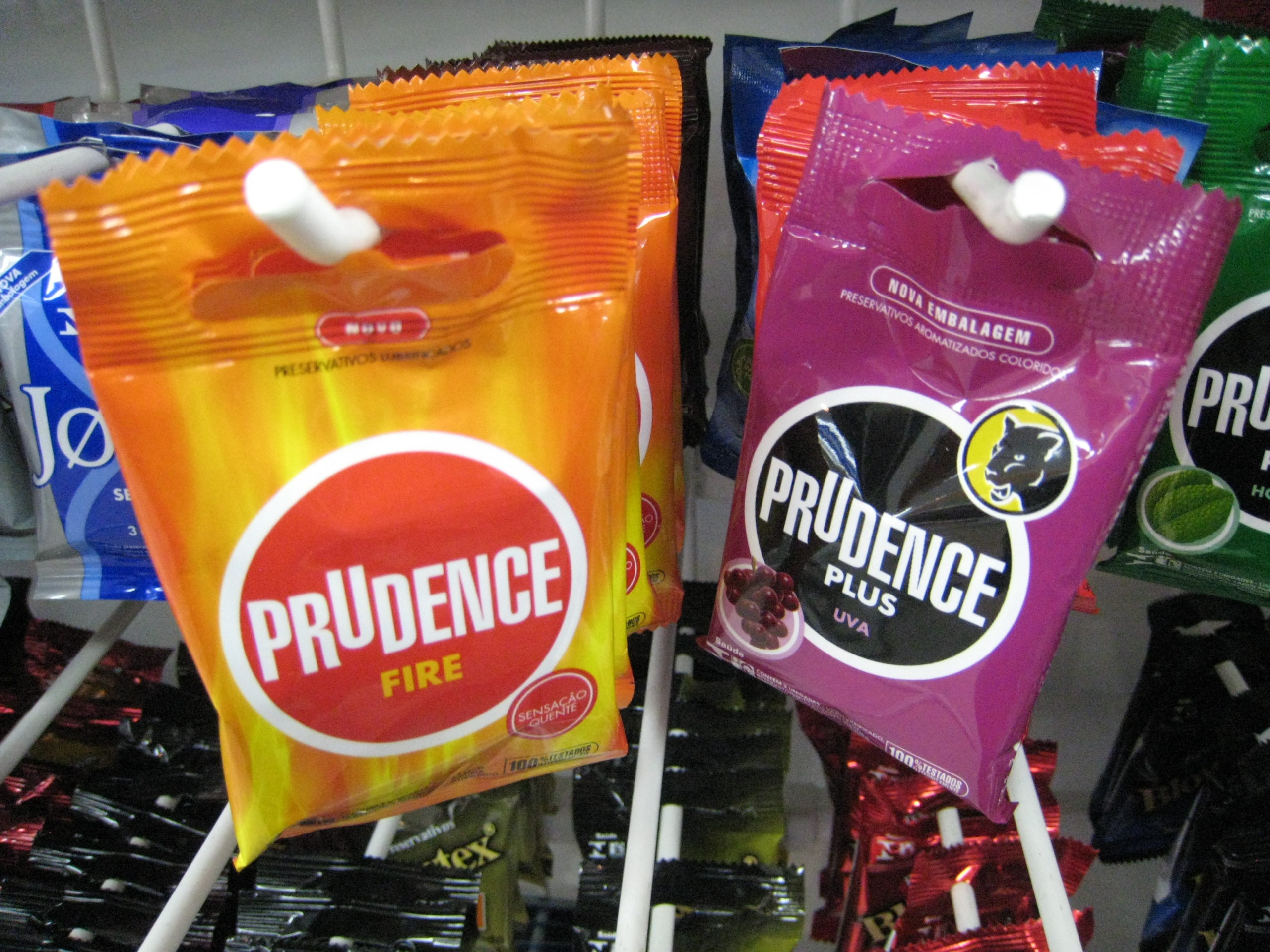
^ above: The one on the right is grape flavored.
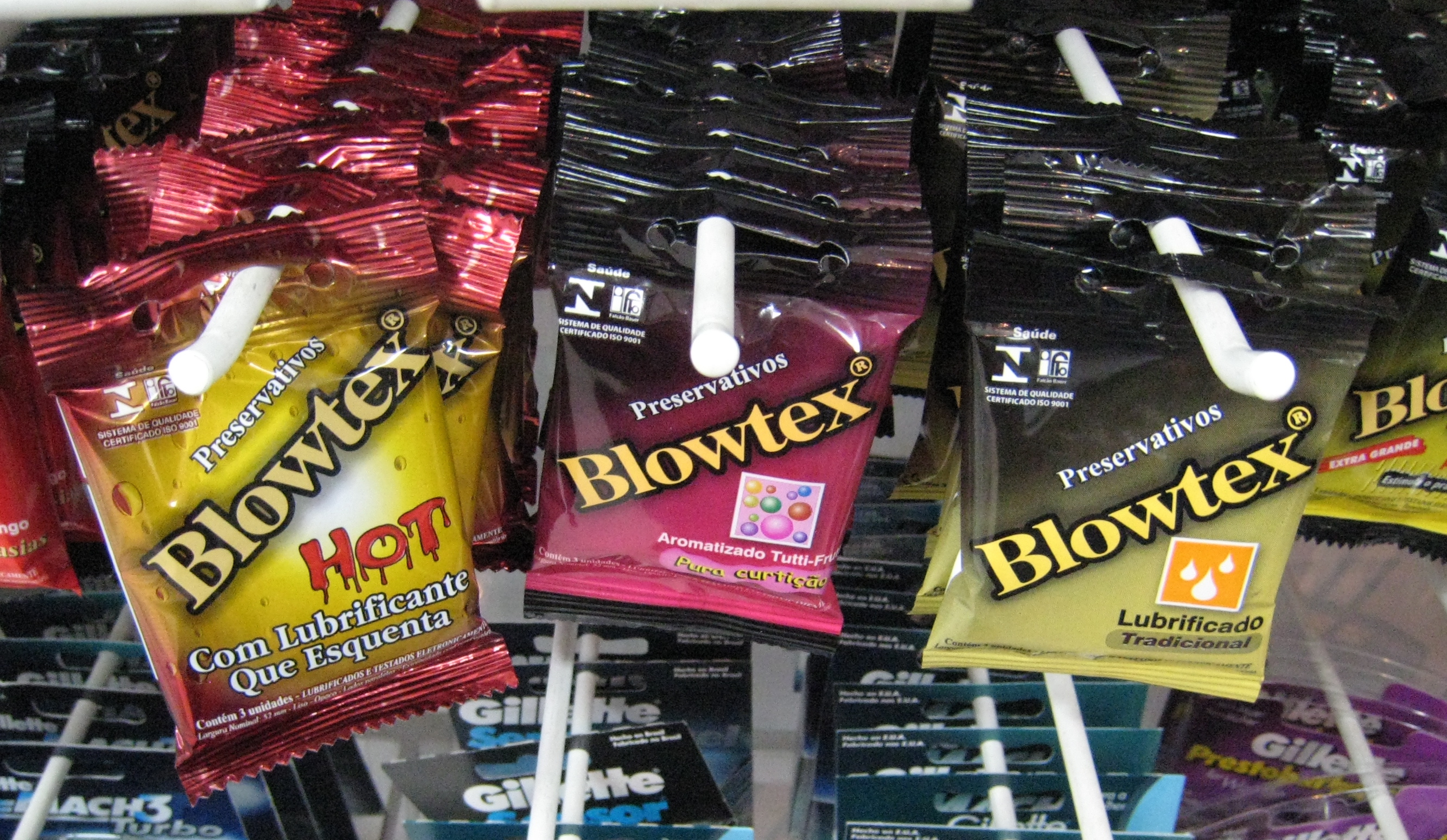
The middle one is tutti-frutti flavored.

^ above: The one on the right is grape flavored.
The middle one is tutti-frutti flavored.
Yesterday we were in Santa Cruz do Sul, RS, Brazil, for a student conference on OpenSolaris. We had some time in the afternoon to sight-see (then were working again from 6-10 pm), including a walk to the cathedral.
Along the way we were highly amused by this animated crossing signal, which Jogo told us was manufactured, along with some other experimental traffic control systems, in a nearby town.
The soundtrack was provided by a car cruising the neighborhood with a loudspeaker on top, advertising something.
Powered by Twitter Tools.

^ Colorado wildflower
Powered by Twitter Tools.
Last week was a big one for Sun conferences, with CommunityOne on June 1st and 2nd, JavaOne starting on the 2nd. Like many other Sun folks, I was very busy with preparations in the weeks leading up to these, and played several different roles throughout conference week.
For some of us, C1/J1 were preceded on Sunday, May 31st by the Open High Availability Cluster Summit. Unlike our previous “specialty” summits for Open Storage, this one was organized mostly by the cluster engineering team themselves (though we of the community team like to think we’ve set a good example), who did a fantastic job of marketing it, achieving over 170 registrations.
They did ask me to cover video and social media for the summit. As I was doing it, I realized the job should be called “social media producer”. It’s more work than you might think.
In this case, I assumed my tasks to include:
Room sound and lighting were handled by SWANK Audio Visuals, who were a pleasure to work with. I let them know in advance my requirements for camera position, with an Ethernet connection for video streaming and electricity for the camera, and found everything ready for me as requested Sunday morning. I set up my usual videoblogging gear, with the SWANK crew there ready to make the last-minute adjustments that are always needed.
Some things we figured out the hard way:
Unlike the the Open University’s FlashMeeting that I used for the last Open Storage Summit, UStream requires a separate feed for the audio, into the mic jack of the laptop you’re streaming from. [NB No longer true in 2012 with more recent UStream Producer software.] We took this from the sound board, but it needed an XLR grounding adapter (which, fortunately, the A/V crew had) to eliminate a very annoying hum. I was alerted to this hum by Mark Carlson, who was watching the stream remotely, via SMS – how many different forms of communication can I use in one day?
The fact that I learned about the problem from Mark tells me that it’s necessary to periodically monitor sound levels and quality into both the camera and the UStream. I used my iPhone headphones for this – not great, but better than nothing – or carrying around yet another piece of dedicated gear.
Another UStream gotcha: it requires you to press two different buttons to start broadcasting and start recording, whereas FlashMeeting simply stores everything that goes on during your broadcast. Because I wasn’t used to this, and not all of our ad hoc social media team had had the UStream training offered by Sun’s media team the previous week, we may not have hit the record button on every talk (don’t worry – we still have videotape).
UStream in its normal configuration includes a chat window which I had planned to use to encourage conversation among the online audience and to take questions from them. (It’s also useful for monitoring stream quality – people complain instantly on the chat if there’s a problem.) But for this event I was using the Sun UStream account, which, for reasons unknown to me, has disabled chat. All I could do was hope people asked questions via Twitter. No one did, which was disappointing – we had had good participation this way at the Open Storage Summit, with online questions to relay to the room for almost every talk.
I had one user contact me via email afterwards to complain that he had not been able to get the stream to work from his home. He’s an engineer and certainly knew enough to try it on various systems, so I’m at a loss to know what went wrong. Hoping the Sun media team can figure it out so it doesn’t happen again.
I had been so ill the week before that I wasn’t thinking clearly, and spaced on the fact that I’d need a laptop with a FireWire connector to connect the camera for the UStream, so I’d only brought along my MacBook Air (which, horribly, lacks FireWire). Fortunately, we had two Toshiba Portegé R500 netbooks along, which have FireWire and mic jacks and were easily set up to be our streaming stations. If I were to spec out a portable social media production station, one of these would be part of it.
What went well:
The C1/J1 conferences function, in part, as an opportunity for current and former Sun employees from around the world to gather and see each other. Everyone was looking for a reason to be there, so I had volunteers to help out with video and other social media tasks: Aaron Newcomb (who already knows his way around a video camera), Alan McLellan, and Alta Elstad – the Triple A team!
Alan and Alta attended the UStream training on Friday, so they were able to start and stop the UStream recordings for each session. They also jumped right in to live tweeting (using my Twitter account part of the time, hence all the activity) – as Sun tech writers, in fact, they were far more effective at this than I would have been.
Alan was confident enough to take over the videocamera in the main room so I could go rest (still ill), and Aaron arrived in time to run the camera in the second room in the afternoon. (I had hoped he would also do some video interviews on Monday, but he found himself disabled by an unexpectedly drained camera battery. Another lesson: always have a charged backup battery.)
Results:
Costs:
I’d call that a fair return on investment.
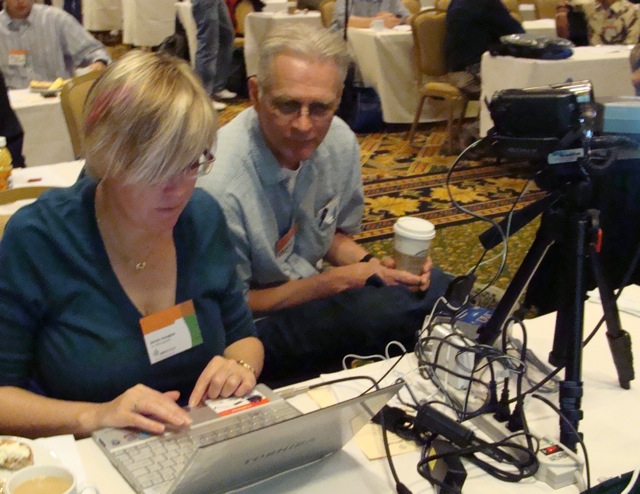
photo at top: me and Alan, hard at work (photo by Lynn)